

If your team is still approving invoices through inbox chains, Slack nudges, and the occasional “did anyone sign this off?”, invoice approval software is no longer optional admin polish. It is one of the simplest ways to tighten cash control, cut avoidable delays, and give your finance team room to think beyond firefighting.
Why invoice approval software matters more than ever
Invoice approval used to be treated as a back-office nuisance. Someone forwards a PDF, someone else replies “approved”, finance keys it in, and eventually the bill gets paid. That approach worked, sort of, when invoice volumes were lower and everyone sat in the same office. It breaks down quickly once your business grows, approvers work across locations, and cash decisions need to happen with more discipline.
The market tells the same story. The invoice processing software market is projected to grow from $40.52 billion in 2025 to $49.04 billion in 2026, and the demand is not coming from finance teams suddenly falling in love with software. It is coming from pressure: more invoices, more remote approvals, more compliance requirements, and less tolerance for hidden liabilities.
There is also a simple operational truth here. If you cannot see what is waiting for approval, who is holding it up, or what has already been committed, your cash flow visibility is weaker than you think. That matters for owner-managed businesses trying to stay nimble, and it matters even more for CFOs trying to control spend without becoming the department of “no”.
E-commerce growth is part of the story too. Expanding e-commerce is a major growth driver for invoice processing software, because higher transaction volume creates more invoices, more supplier interactions, and more opportunities for delay or duplication. Add remote finance operations into the mix and manual approval becomes less a process, more a scavenger hunt.
So yes, invoice approval software matters because it speeds things up. But that is only half the point. It also gives you cleaner control, better accountability, and fewer nasty surprises at month end.

What invoice approval software should actually do for your business
In plain English, invoice approval software should help you move an invoice from receipt to sign-off without relying on memory, manual chasing, or spreadsheet gymnastics. Good systems capture invoice data, validate it, route it to the right people, flag issues before they become payment problems, sync the result into your accounting platform or ERP, and keep a proper record of every action.
That wider scope matters because invoice processing software is designed to automate capturing, validating, and processing supplier invoices, helping businesses save time, minimise errors, and improve operational efficiency. In other words, the best tools do not just ask, “Who needs to approve this?” They also ask, “Is this invoice complete, coded correctly, duplicated, outside policy, or stuck somewhere it should not be?”
That distinction is where many buyers get caught out. They buy a tool that can route approvals, but still leaves finance manually entering data, checking supplier details, and fixing downstream posting issues. The result looks digital on a demo and feels suspiciously manual in real life.
A proper platform should reduce touchpoints across the process, not just decorate one step of it. If you are trying to improve your wider payables process from intake through control, approval software needs to support that operational flow rather than living in a silo.
For businesses using Xero, this is especially relevant. Xero is strong at core accounting, but approval and payables control often need more structure around them. That is where software such as insightFlow becomes useful, not by replacing your accounting system, but by extending it with clearer review, approval, payment run preparation, and auditability. That is the sweet spot many growing businesses actually need.
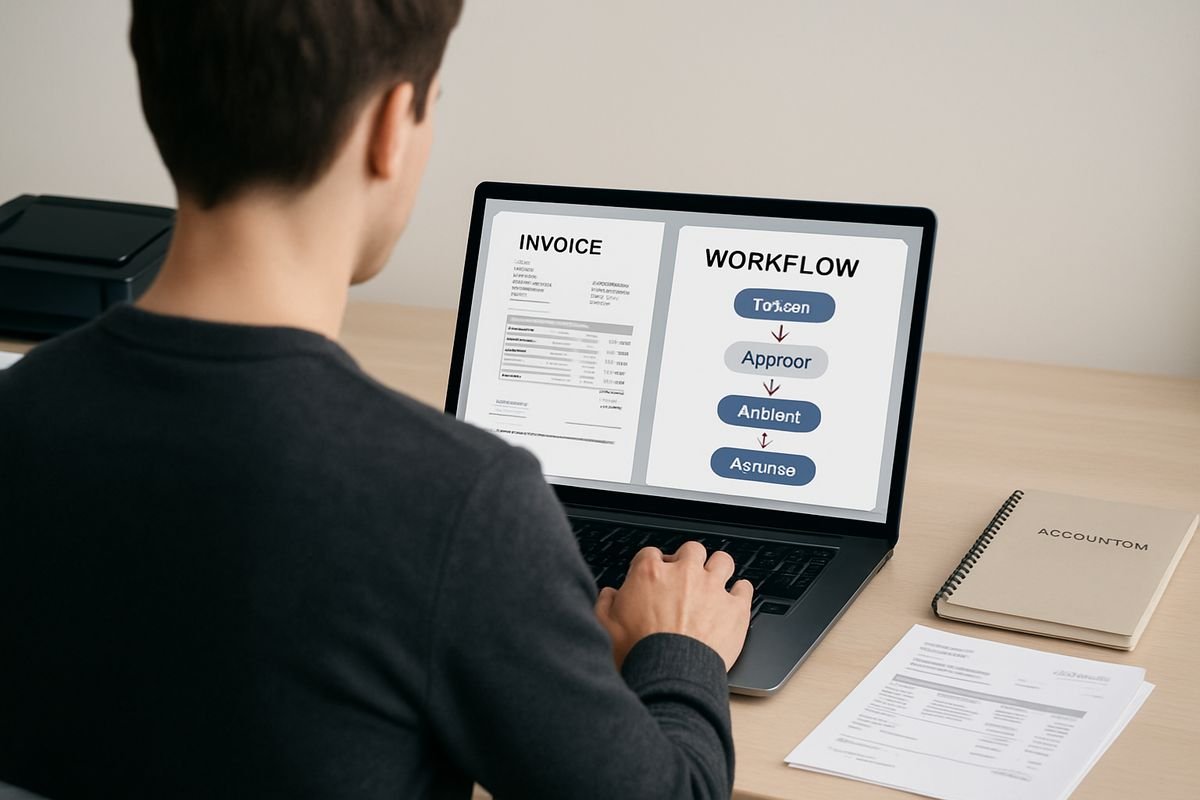
The features that actually matter when you are buying
Vendors love feature lists. Finance teams love outcomes. Those are not always the same thing.
Most invoice approval software can claim automation, dashboards, AI, integrations, and control. Fine. The real question is which features consistently improve ROI, reduce risk, and keep working as your invoice volume rises. There are only a handful that truly matter.
Smart invoice capture and data extraction
If invoice data still has to be typed in by hand, you are paying skilled people to do keyboard work. That is not a great use of your finance team’s time, and it scales terribly. Research shows that 68% of finance teams still manually key invoice data into accounting systems, which explains why so many AP teams feel busy without feeling in control.
Strong software should capture invoices from the channels your suppliers actually use, usually email inboxes, PDFs, scanned documents, and digital attachments. OCR is now baseline. AI-driven extraction is increasingly expected. But honestly, the label matters less than the result. You want accurate supplier names, dates, amounts, VAT, references, and line data pulled into the system with minimal correction.
The best tools also handle messy reality. Supplier PDFs are rarely consistent. Some are clean and standardised. Some look like they were designed in 2009 by someone who hated tables. Your software has to cope with both.
This matters because manual entry is not just slow. It creates avoidable errors that ripple into coding, approvals, and payment runs. Remove data entry and you free up time for review, exception handling, and commercial thinking, which is where finance actually adds value.
Approval workflows that reflect how your business really works
Approval software should fit your organisation, not force your organisation into awkward software habits.
That means configurable approval rules based on spend thresholds, departments, entities, suppliers, job codes, cost centres, or purchase order status. It means multi-step approvals when needed, delegated approvers during leave, and mobile approvals for managers who are rarely at a desk. It also means changing approval paths without needing a minor IT project.
This is one place where simplicity and sophistication both matter. A small business might only need “operations manager approves over £1,000, finance approves over £5,000”. A larger group might need location-based routing, entity-specific rules, and extra sign-off for unusual spend. Both are valid. The software should handle the version you live with today, and the version you are likely to need in 18 months.
If your buying process already suffers from informal sign-off, it is worth looking at how your spend controls can be structured before the invoice even arrives. Upstream discipline makes downstream approvals much less painful.
Exception handling that does not create more admin
Here is where demos get suspiciously quiet.
Most invoices are straightforward. The pain sits in the awkward 10 to 20 percent: duplicate invoices, missing purchase orders, disputed quantities, mismatched totals, unclear coding, supplier changes, and approvals that suddenly need rerouting because the budget owner is on annual leave. If the system handles only clean invoices well, it does not really handle invoice processing well.
Good exception handling means the software flags problems early, explains what is wrong, and makes escalation easy. It should identify duplicates, surface missing fields, route disputes sensibly, and keep the invoice visible while people fix the issue. Not bury it in a black hole of “pending”.
This is what makes touchless processing real. Best-in-class AP teams do not succeed because every invoice is perfect. They succeed because the standard ones flow through and the odd ones are isolated quickly. Research backs that up: best-in-class teams run at a 9% exception rate versus 22% for average teams. Less noise. Fewer surprises. Better use of people.
Accounting and ERP integration that saves rework
Integration is not a nice-to-have. It is one of the main reasons implementations succeed or quietly become expensive workarounds.
Your invoice approval software should sync approved invoices, supplier records, GL codes, payment status, and reporting data with your accounting system or ERP. If it cannot do that cleanly, your team will end up exporting, importing, reconciling, and double-checking the same information in multiple places. That is not automation. That is admin wearing a smarter shirt.
The market has already moved in this direction. Growing integration with ERP and accounting systems is a major trend in invoice processing software, because disconnected finance systems kill efficiency faster than almost anything else.
For Xero users, this is often the deciding factor. You do not need another ledger. You need software that expands Xero’s payables workflow, keeps supplier and bill data aligned, and removes rework between approval and payment. If you are assessing that gap, it helps to understand where native payables control in Xero starts to feel thin.
Visibility, reporting, and audit trail
Finance leaders should not need detective skills to answer basic questions.
Where is this invoice? Who approved it? Why is it late? What liabilities are sitting unapproved? Which teams create the most delay? If the software cannot answer those in seconds, it is not giving you control, it is just moving paperwork onto a screen.
Ramp puts it well: finance teams need real-time visibility into approval status, invoice history, exceptions, and who last touched an invoice. That visibility is not just operationally helpful. It changes the tone of the finance function. Suddenly your team can answer questions quickly, spot bottlenecks early, and forecast cash commitments with more confidence.
And then there is the audit trail. Every approval, rejection, coding edit, comment, escalation, and posting action should be logged. Properly. That gives you peace of mind in audits, but it also helps in day-to-day disputes. “Who approved this?” stops being an argument and becomes a timestamp.
Controls for compliance and fraud prevention
As invoice volumes grow, weak controls become expensive.
You want role-based permissions, approval thresholds, segregation of duties, duplicate detection, anomaly alerts, and document history that cannot be tampered with. These are not features for giant enterprises only. They are sensible protection for any business where money moves through more than one pair of hands.
The risk is real. Research shows that organisations without strong duplicate controls can pay 0.8% to 2% of invoices twice. That sounds small until you run the maths on your annual spend. Suddenly it is not small at all.
Compliance pressure is rising too, especially for businesses operating across borders. Structured e-invoicing mandates are already live in Belgium and Poland, with France on a phased deadline. If your systems only handle emailed PDFs and informal approval trails, that future arrives awkwardly.
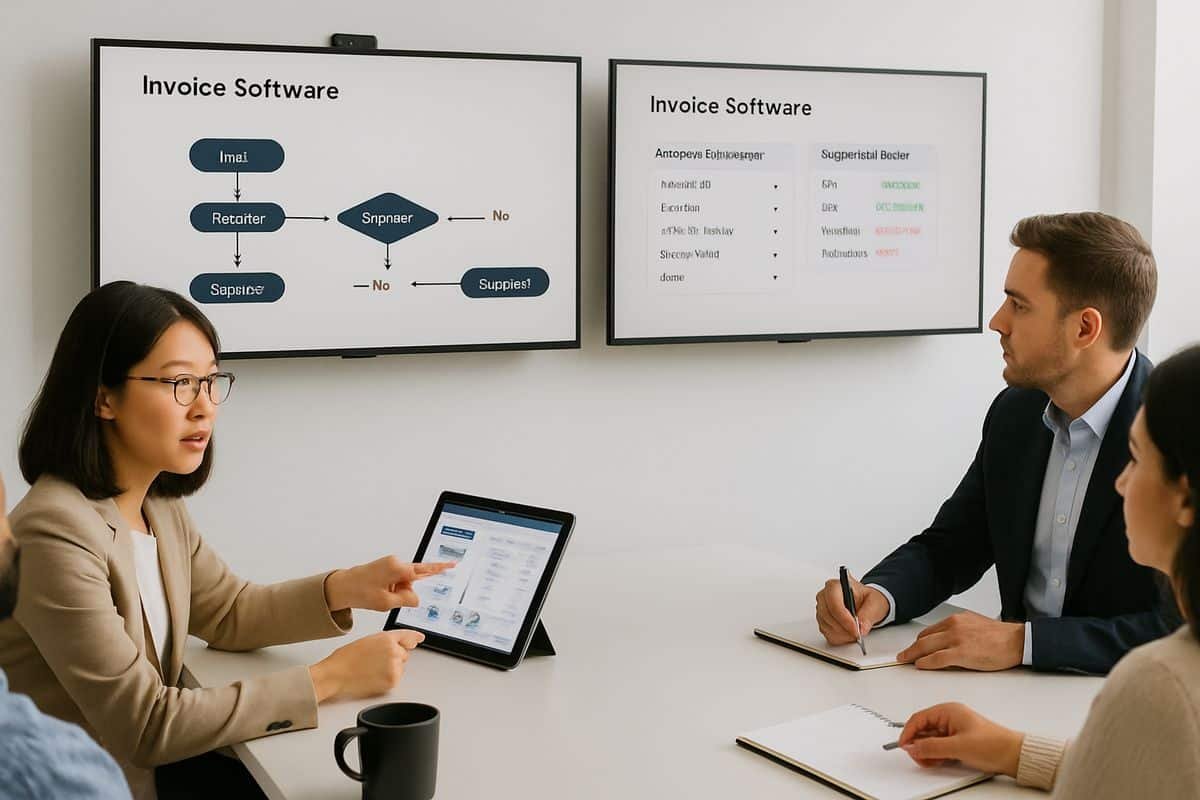
Which features matter most at your stage of growth
The right buying criteria depend on what stage your business is at. A startup does not need the same tooling as a multi-entity group, and pretending otherwise usually leads to overbuying, underusing, or both.
If you are a startup or small business: prioritise speed and simplicity
At this stage, your biggest problem is usually not governance complexity. It is friction. Invoices arrive in shared inboxes, approvals happen ad hoc, and the founder or finance lead ends up being copied into far too much. You need software that is easy to deploy, easy to understand, and easy for non-finance people to use without training that feels like a punishment.
That usually means email-first capture, straightforward approval routing, simple mobile or email approvals, transparent pricing, and a strong accounting integration. If most of your supplier invoices arrive as attachments, low-friction capture matters more than a long list of advanced features you will not touch for a year.
For Xero-based businesses, the sweet spot is often a tool that adds approval structure and payment control without introducing enterprise complexity. insightFlow fits that logic well because it extends Xero’s unpaid bill workflow, centralises review and approval, supports payment run preparation, and keeps a clear history. Practical. Useful. No theatre.
If you are a growing business: prioritise scalability and control
This is the stage where manual work starts breaking more obviously. Invoice volume is up, departments spend differently, approval lines get fuzzier, and finance spends too much time chasing people rather than analysing spend. Hiring more AP staff can mask the issue for a while, but it does not fix the process.
Here, you want stronger workflow rules, better exception handling, multi-entity support if needed, more reliable reporting, and consistency across teams. You also want enough flexibility to standardise the process without turning every exception into a support ticket.
The commercial upside is clear. Companies with manual AP processes spend four times more per invoice than businesses with fully automated AP, and the automated group can process more than twice as many invoices per AP employee. That is headroom. Growth without immediately adding admin.
If slow sign-off is part of your pain, it is worth tightening the habits that reduce approval delays and stop bills from slipping past due. Software helps, but clear rules help just as much.
If you are managing a larger or more complex operation: prioritise governance and flexibility
Larger organisations need deeper workflow logic and stronger controls. Multi-entity structures, cross-border suppliers, approval matrices by region or function, PO and non-PO invoices, custom coding rules, and high invoice volumes all push you beyond basic invoice approval tools.
At that point, API-first integrations, advanced matching, custom workflows, role-based permissions, high-volume processing, and compliance support become non-negotiable. You are not buying convenience. You are buying governance without clogging the business.
This is also where reporting depth matters more. Senior finance leaders need to see cycle times, liabilities, exception hotspots, approver bottlenecks, and entity-level performance without manually stitching together reports from different systems. If the vendor cannot support that, the software will eventually become another operational island.
The difference between basic invoice approval tools and full AP automation platforms
Not every business needs a full accounts payable automation suite. But plenty of businesses buy a light approval tool when they really need broader AP capability, then wonder why finance is still doing so much manual work.
Basic invoice approval software usually focuses on routing invoices for sign-off. It may include capture, a few workflow rules, and some status tracking. That can be enough if your invoice volume is modest, your accounting setup is simple, and most of your pain comes from delayed approvals.
Full AP automation platforms go further. They typically cover capture, extraction, validation, coding, PO matching, approval routing, ERP posting, reporting, fraud controls, and sometimes payment execution too. Research notes that AP suites are the right category when you need the full invoice-to-payment cycle rather than approvals alone.
The dividing line is simple. If your biggest issue is “people do not approve invoices quickly enough”, a lighter tool might do the job. If your issues include capture, coding, exceptions, posting, visibility, payments, and control, you are already in AP automation territory.
For Xero users, that middle ground matters. Many businesses do not need a huge enterprise suite, but they do need more than basic bill approval. They need a platform that expands Xero into a controlled payables operating system. That is exactly why tools like insightFlow are attractive. They bridge the gap between core accounting and practical AP control.
How to judge ROI before you buy
Software cost is visible. Process cost usually is not. That is why so many buying decisions fixate on subscription fees while ignoring the labour, delays, errors, duplicate payments, and lost discounts sitting inside the current process.
A better way to judge invoice approval software is to compare it against your real operating drag. What is your invoice volume? How many invoices need chasing? How many are entered manually? How often do approvals delay payment? How much AP capacity is spent on admin rather than review?
The performance gap between average and high-performing teams is not subtle. Best-in-class AP teams process invoices at $2.78 each, versus $12.88 for average teams. Cycle times tell a similar story, with best-in-class teams averaging 3.1 days versus 17.4 days for average teams. That difference has a direct effect on labour cost, supplier relationships, and visibility into liabilities.
Payback is usually faster than people expect. Organisations typically achieve full payback on AP automation within 6 to 12 months, and some studies suggest even faster returns where invoice volume is meaningful and the process is heavily manual.
The trick is not to accept vague ROI claims. A decent vendor should be able to model value based on your invoice count, approval cycle time, exception rate, and team capacity. If they wave their hands and say “you will save loads of time”, smile politely and keep shopping.
The metrics worth tracking from day one
You do not need a giant KPI dashboard on day one, but you do need a handful of measures that prove whether the software is actually changing the process.
Track cost per invoice, approval cycle time, exception rate, percentage of touchless invoices, invoices processed per AP employee, and visibility into outstanding liabilities. Those are the numbers that separate real transformation from fancy workflow screenshots.
That expectation is becoming standard. 34.2% of finance leaders now measure automation success using operational KPIs such as cost per invoice, error rates, cycle time, and exception rates. If your vendor cannot help you define and report those metrics, the promised ROI is probably fluff wearing finance language.

Common buying mistakes that create more work, not less
Some invoice approval projects fail because the software is weak. More often, they fail because the buying logic was sloppy.
Choosing for flashy AI instead of operational fit
AI is useful. Increasingly, it is expected. But buying software because the demo says “AI-powered” is a bit like hiring someone because they own a nice blazer.
You want AI that improves extraction, classification, validation, coding suggestions, anomaly detection, and fraud spotting inside your actual workflow. You do not want AI that still leaves your team correcting fields, rerouting exceptions, and manually cleaning up the mess after the machine has had a go.
There is plenty of momentum here. Leading vendors are using AI to extract, classify, and validate invoice data, and that is a good thing. But the buying test is simple: does it reduce touchpoints in your real process, or does it just create new ones with shinier branding?
Underestimating implementation and change management
Even strong software disappoints when implementation is rushed.
Workflow scoping matters. Data quality matters. Ownership matters. Finance and IT need to be aligned early, especially where integrations, user permissions, or supplier data are involved. If nobody owns the rollout properly, the system ends up half-configured, half-adopted, and quietly blamed for problems that were really project problems.
A phased approach works better. Starting with one AP process or business unit, defining success metrics upfront, and assigning dedicated ownership reduces risk and improves adoption. It is less glamorous than a “big bang” launch, but far more likely to succeed.
Poor invoice data is another predictable problem. Incomplete line items, inconsistent formatting, and weak OCR results can cause coding errors and approval delays. If your supplier base is messy, choose software and a rollout plan that respects that reality.
Ignoring support, service, and supplier adoption
Software buying has a bad habit of ending the moment the contract begins. That is exactly when the useful part should start.
You want a vendor that helps with onboarding, workflow design, training, and early optimisation. You also want support that answers practical questions quickly, because payables issues are rarely convenient and never improve with silence.
This matters more than many buyers admit. A platform can look brilliant in a demo and still feel painful if supplier onboarding is clunky, support is slow, or your team is left guessing how to handle exceptions. The best implementations create a different feeling inside finance: more confidence, less chasing, and the sense that someone competent is actually with you while the process beds in. That peace of mind is not fluff. It is one of the reasons projects stick.
Questions to ask vendors before you commit
Demos are tidy. Real AP is not. The right questions help you tell the difference.
Ask how the software handles your messiest invoices
Do not spend the whole demo looking at perfect PDF invoices from polished sample suppliers. Ask about non-PO invoices, disputed amounts, missing references, duplicate checks, line-item mismatches, coding changes, and approvals that need to be rerouted halfway through.
If the answer sounds vague, or suspiciously manual, pay attention. A good system should cope with your awkward cases because those are the ones that create most of the admin.
It also helps to understand how your approval flow works for supplier bills in the real world, especially if multiple departments touch the process before finance sees the final invoice.
Ask what happens after approval
Approval is not the finish line. It is one stage.
Ask how the software posts approved invoices into your accounting system or ERP, what data syncs back and forth, how payment status is updated, what audit logs are retained, and how much manual work still remains after sign-off. If approval ends with a finance user manually exporting and re-keying data, you have not solved much.
This is particularly relevant in Xero-led environments, where the real value often comes from adding structure around approval and payment execution rather than replacing the ledger itself. The handoff matters as much as the approval step.
Ask how quickly you can go live and prove value
Modern buyers want evidence fast, and rightly so.
Ask for implementation timelines, training requirements, support during rollout, and what measurable improvements you should expect in the first 30, 60, and 90 days. Good vendors should be able to tell you where early wins typically come from, whether that is reduced manual entry, faster approvals, fewer exceptions, or cleaner visibility into liabilities.
That expectation is now part of serious evaluations. Vendors that cannot demonstrate quantifiable ROI within the first 90 days are losing buying decisions. Which, frankly, seems fair.
What a strong shortlist looks like for your business
By the time you build a shortlist, you should be scoring vendors against practical criteria, not marketing sparkle. Ease of use matters. Workflow fit matters. Integration strength matters. Exception handling matters. So do compliance controls, reporting quality, implementation effort, and support.
A simple scorecard is often enough. Compare each option against your current process pain, your expected invoice volume, your approval complexity, and your accounting environment. If you run on Xero, be especially honest about where native workflows end and where added payables control would save your team time. That is often the difference between “we have software” and “the process actually works”.
The right invoice approval software gives you more than quicker sign-off. It gives you cleaner control over spend, fewer finance fire drills, and a lot more breathing room to grow. If it also expands the systems you already use, rather than forcing a heavier stack than you need, that is usually a very good sign.
Frequently Asked Questions
What is invoice approval software?
Invoice approval software is a tool that helps you capture supplier invoices, route them to the right approvers, track decisions, and keep an audit trail. Better platforms also validate invoice data, flag exceptions, sync with your accounting system, and improve visibility over liabilities and cash commitments.
Is invoice approval software the same as AP automation?
Not always. Invoice approval software can be a narrower category focused on routing and sign-off. AP automation usually covers a wider process, including capture, data extraction, matching, coding, approvals, posting, reporting, and sometimes payment execution. If your pain goes beyond delayed approvals, you may need the broader category.
How quickly can invoice approval software deliver ROI?
For many businesses, payback comes within 6 to 12 months, sometimes sooner if invoice volumes are high and the current process is heavily manual. The biggest gains usually come from lower processing cost, faster cycle times, fewer errors, and better use of AP staff.
What features matter most for a small business using Xero?
Focus on easy invoice capture, simple approval workflows, strong Xero integration, transparent pricing, and fast setup. Most small businesses do not need enterprise complexity. They need something people will actually use, with better control than email approvals and less manual work for finance.
Can invoice approval software help prevent fraud and duplicate payments?
Yes, if it includes the right controls. Look for duplicate invoice detection, approval thresholds, role-based permissions, segregation of duties, anomaly alerts, and a full document history. These features help reduce accidental overpayment and make suspicious activity easier to spot.
Should I choose a lightweight tool or a full platform?
Choose based on process scope, not ambition. If your main issue is getting invoices approved on time, a lightweight tool may be enough. If you also need capture, validation, exception handling, ERP posting, payment control, and stronger compliance support, a full AP automation platform will usually create more value.