
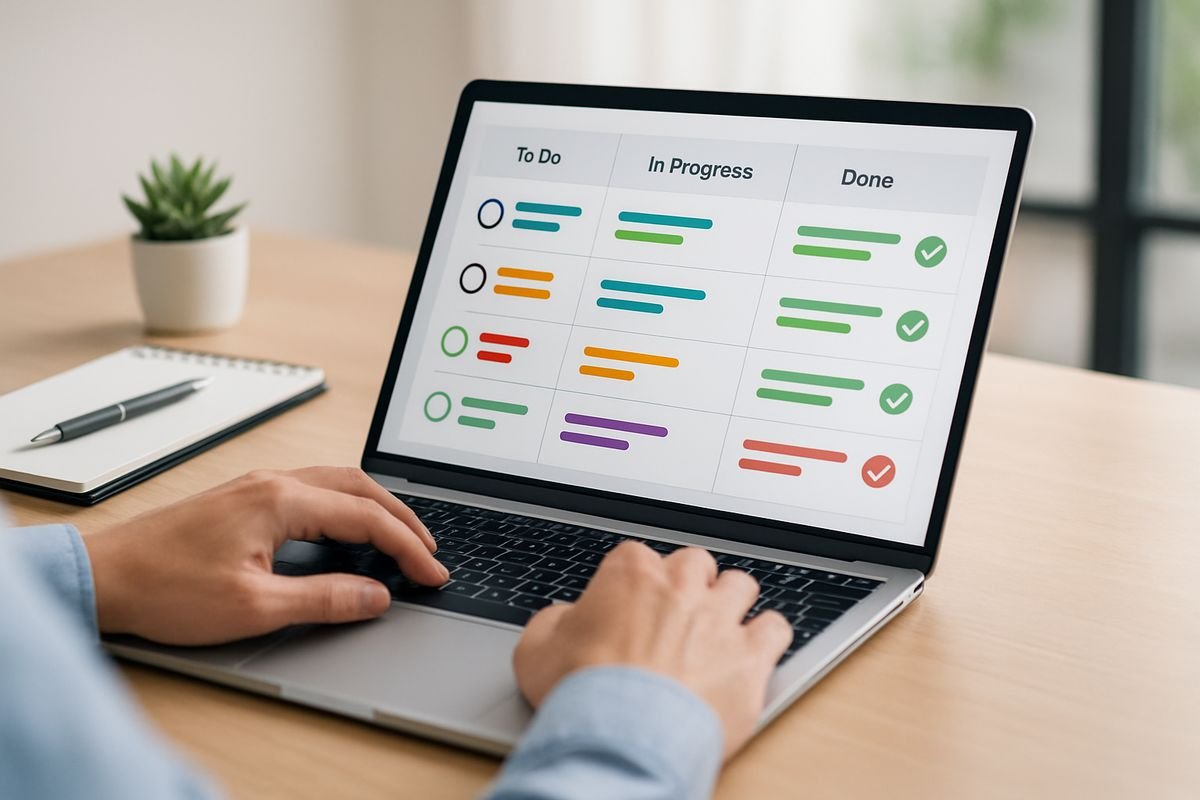
Task management software is a system for organising, assigning and tracking work so nothing important disappears into someone’s inbox, notebook or memory. If your business is growing and the day-to-day feels more reactive than controlled, task management software gives you a practical way to connect people, deadlines and follow-through without adding layers of chaos.
What task management software is and why it matters to your business
In plain English, task management software is a shared place where work gets captured, owned and moved forward. A task might be “approve supplier invoice”, “send proposal”, “complete stock check” or “prepare month-end journals”. The software records who is responsible, when it is due, what stage it is at and what still needs to happen.
That sounds simple because it is. But the effect on a business can be surprisingly big.
Most operational mess is not caused by a lack of effort. It comes from work being scattered across emails, meeting notes, chat threads, spreadsheets and people’s heads. Everyone is busy, yet the same questions keep popping up: Who’s doing this? Has that been finished? Why was this missed? What’s holding up billing? Why is finance waiting on ops again?
Task management software solves that by turning vague responsibility into visible accountability. Instead of relying on memory and good intentions, you create a system. Think of it like moving from sticky notes on a wall to a live control panel for your business. You can still work quickly, but now there is order behind the speed.
For small and medium-sized businesses, that matters even more. You usually do not have spare management time. You do not want senior people spending half the day chasing updates, checking who replied to what, or trying to reconstruct a process from last Thursday’s Slack messages. You want work to move, cleanly and predictably, so your team has more energy for growth.

What task management software actually does day to day
At a practical level, task management software handles the small but constant mechanics of getting work done. It gives your team one place to create tasks, assign them, set deadlines, update status, add notes and see what needs attention next.
That means a manager can leave a meeting and turn decisions into actions straight away. A finance lead can assign approval steps for expenses and know exactly where delays are happening. An operations team can track recurring checks without maintaining yet another spreadsheet that only one person understands.
Day to day, the software becomes the place where requests become commitments.
The core functions you’ll use most
Most businesses do not need a bloated system with fifty views and a terminology problem. They need a handful of functions that remove friction.
Task creation is the starting point. If work cannot be captured quickly, people default back to email and memory. Good software lets you add a task in seconds, with a clear title, owner and due date. That alone reduces the classic “I thought someone else had it” problem.
Due dates and status tracking bring rhythm to execution. You can see what is due this week, what is blocked and what is complete. It sounds basic, but honestly, this is where a lot of hidden waste disappears. Managers stop asking for updates that the system should already show.
Recurring tasks are especially useful for finance and operations teams. Month-end close steps, payroll inputs, supplier approvals, weekly reporting, onboarding checklists, compliance reviews, all of this repeats. When recurring work is automated into the system, consistency improves and mental load drops.
Comments and file sharing keep context attached to the task instead of floating around elsewhere. If someone needs the invoice, contract, screenshot or approval note, it should live with the work itself. Not buried in a forwarded thread from two weeks ago.
Dashboards pull the whole picture together. Instead of reviewing ten separate lists, you can see progress by person, team, deadline or workflow stage. If you want a clearer sense of what meaningful visibility looks like, it helps to look at measures that show real output, not just busyness.
How it turns scattered work into a clear workflow
In most businesses, work starts in messy places. An email request comes in. Someone mentions an issue in a meeting. A message gets dropped in Teams or Slack. Finance notices a missing approval. A customer asks for an update. A founder says, “Can someone sort this today?”
Without a system, those requests bounce around until someone picks them up, or forgets to.
Task management software creates a simple flow: capture the request, assign an owner, set a due date, track progress, complete it, and keep a record. That flow is what turns scattered activity into a real workflow.
Take a common finance example. An invoice arrives but needs operational sign-off before payment. In a manual setup, finance sends an email, waits, follows up, waits again, then chases in chat. In a task-based setup, the invoice approval becomes a tracked task with an owner, deadline and status. Everyone can see whether it is pending, approved or blocked. Less chasing, better control.
The same pattern works across client delivery, recruitment, purchasing, onboarding and internal admin. The source of the work may differ, but the logic is the same. Capture it once, make ownership visible, and let the process do the heavy lifting.
How task management software helps you save time, reduce chaos and scale
The first benefit is not fancy. It is relief.
When tasks are visible and assigned properly, you spend less time chasing, repeating yourself and reacting to preventable misses. That frees up management attention, which is usually your most limited resource. Instead of operating like a human reminder system, you can actually manage.
This is also where scale starts to feel possible. Growth creates more clients, more handoffs, more approvals, more recurring work and more room for mistakes. If the business still runs on memory and heroic effort, growth gets expensive fast. Task management software gives you structure before the cracks widen.
The operational benefits you feel quickly
The near-term gains show up fast because they touch daily habits. Teams waste less time asking where something stands. Duplicate work drops because there is one visible owner. Follow-up becomes quicker because deadlines and status are already in the system.
Communication improves too, not because people suddenly become perfect communicators, but because the software gives them a shared reference point. Instead of long update threads, the work itself carries the update.
You feel this in simple ways. Fewer “just checking on this” emails. Fewer tasks lost after meetings. Fewer moments where three people thought the other one was handling it. As one proof-point style summary puts it: “You stop wondering who’s doing what and start seeing progress without the daily chase.”
That is why so many teams see value quickly. Atlassian reports that 75% of organisations say Trello delivers value within 30 days, and 81% chose it for ease of use. Ease matters because a tool no one adopts is just a more expensive spreadsheet.
The financial and leadership benefits you feel over time
Longer term, the value gets more strategic.
Once work is tracked consistently, you can spot capacity issues earlier. You can see where approvals bottleneck. You can understand which recurring processes actually happen on time and which ones only happen because someone senior keeps nudging them along. That makes forecasting and resourcing more grounded in reality.
For CFOs and financial controllers, this is where task management stops looking like an operational tool and starts looking like a control mechanism. Better task visibility supports cleaner handoffs between departments, more reliable month-end timelines, stronger purchasing discipline and more dependable execution against plan.
Leadership benefits too. You gain confidence that the business can run without constant intervention. Work becomes less personality-dependent and more process-driven. That matters if you want to scale without every decision and reminder flowing back through a handful of overloaded people.
If your current setup still relies heavily on manual nudges, there is a useful comparison in what tends to break when teams outgrow spreadsheets. The pattern is usually the same: the business is not failing, it is simply asking an informal system to do a grown-up job.

Key features to look for before you buy
A lot of task management tools promise everything. That is usually the first warning sign.
The best choice is rarely the one with the longest feature list. It is the one that makes your work easier to capture, clearer to manage and simpler to review. If a platform needs a six-week internal course before anyone can assign a task, it is solving the wrong problem.
For many small and mid-sized businesses, simplicity beats feature overload. That is where lighter tools often outperform larger platforms. Insightflow, for example, is built around finance and operations coordination, so tasks, contacts, notes and pipeline activity sit in one place without the weight of a full enterprise stack. That is often far more useful than paying for a giant system your team only uses at 20 percent.
Visibility and reporting
Visibility is one of the main reasons to buy task management software in the first place. You need dashboards and views that answer practical questions quickly: what is overdue, who is overloaded, what is blocked, and what is slipping through the cracks?
A good reporting setup should support management without forcing micromanagement. You want to glance at a dashboard and understand progress. You do not want to schedule three extra meetings just to work out what the colours mean.
Workload tracking is especially helpful once teams grow. It shows when your “quick request” culture is quietly overwhelming the same reliable people every week. Better visibility helps you manage deadlines and labour capacity before problems show up in service quality or delayed financial processes.
Collaboration and communication
Most delays are not really about tasks. They are about missing context.
That is why comments, @mentions, shared views, approvals and file attachments matter. They keep communication tied to the work instead of splitting it across email, chat and memory. If a task needs clarification, a sign-off or a supporting document, the conversation should happen where the task lives.
Microsoft highlights this practical point in its productivity tools, including the ability to convert emails into trackable tasks and manage them in the same broader environment where teams already work. That kind of connection reduces the “I saw it, but forgot to act on it” problem.
Automation and recurring workflows
Automation is where task management software starts paying you back in time.
The obvious examples are reminders, recurring tasks, automatic status changes and rule-based notifications. A monthly supplier review can recreate itself. A missed due date can trigger a follow-up. A completed task can move the next person into action.
None of that is glamorous. It is just useful. Repetitive admin shrinks, routine processes become more consistent and managers spend less time acting as human workflow engines.
If automation is one of your main priorities, it is worth understanding which workflow features are actually worth paying for. Not every automation is helpful. The best ones remove repeat admin without making the process harder to understand.
Integrations with your finance and operations stack
Task management software becomes far more valuable when it connects with the tools your team already uses. That usually means accounting software, CRM systems, calendars, inboxes, team chat, document storage and sometimes payment or procurement tools.
Why does that matter? Because disconnected systems create disconnected accountability. If finance has one view of the work and operations has another, you end up with delays, mismatched priorities and weak follow-through.
The strongest setups bring operational tasks closer to commercial and financial context. That is one reason Insightflow’s lighter finance-ops approach stands out. Linking tasks to contacts, notes and pipeline activity gives you a cleaner picture of what is happening commercially and operationally at the same time, without forcing you into a heavyweight CRM plus separate task stack.
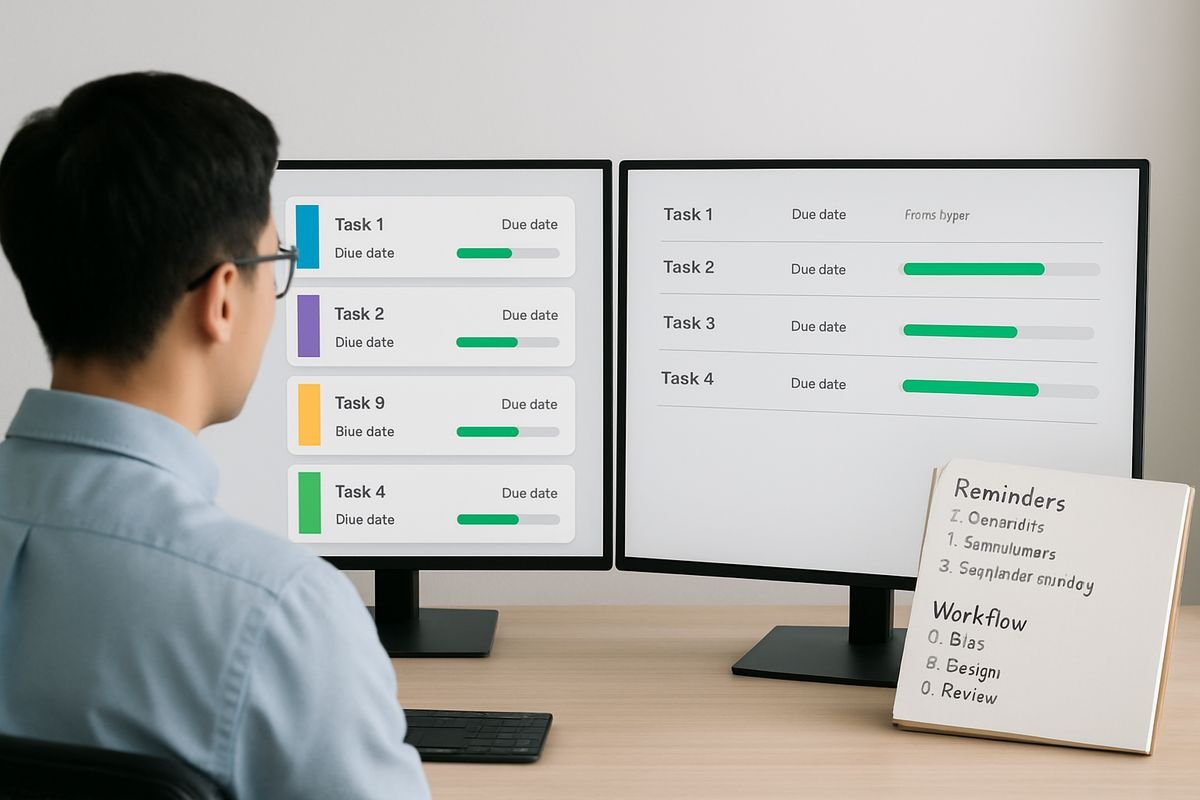
Task management software vs project management software
These two terms get blurred constantly, and that confusion leads businesses to buy the wrong thing.
Task management software focuses on the execution of day-to-day work. Project management software handles larger, more structured initiatives with multiple phases, milestones, dependencies, budgets and teams. There is overlap, and many modern platforms do both to some extent, but the starting point is different.
A task tool asks: what needs doing, who owns it and when is it due?
A project tool asks: how do all these moving parts fit together over time?
When you need simple task management
If your main pain points are recurring admin, team to-do lists, approvals, follow-ups and internal coordination, simple task management is usually enough. You do not need a full project framework to track invoice sign-offs, onboarding actions or weekly service delivery tasks.
In fact, using a full project management platform for straightforward operational work can create friction. Too many fields. Too many views. Too much setup for tasks that should take ten seconds to log.
This is especially true for smaller businesses where speed matters. A lighter system gets adopted faster and becomes part of daily work rather than a separate administrative burden.
When your business may need project management too
As complexity increases, the picture changes. If you are coordinating multiple departments, longer timelines, shared milestones, budgets and dependencies, project management capability becomes more relevant.
Examples include system implementations, office moves, product launches or large-scale client delivery. These need planning beyond individual tasks. They need sequencing, resourcing and risk visibility.
If you are weighing that boundary, this breakdown of where everyday work ends and projects begin helps clarify the distinction, and a more detailed guide to choosing a broader delivery platform is useful when your needs go beyond simple execution.
Who needs task management software most
Almost any team can benefit from clearer task tracking, but the value becomes obvious when growth adds complexity. The more moving parts your business has, the less you can rely on informal coordination.
Small teams often think they can get away without a system because everyone talks constantly. Then one person goes on holiday, a client request gets buried, an approval is missed and the whole thing suddenly looks less charmingly scrappy and more unnecessarily costly.
Startups: when everything lives in your head
In early-stage businesses, founders carry a huge amount of operational memory. They know which clients need attention, which invoices are waiting, which hires are in progress and which tasks are half-done. That works for a while, until it does not.
Task management software gets work out of your head and into a shared system. That creates speed without relying on founder memory as infrastructure. It also helps you build better habits early, before chaos gets expensive.
For startups, the win is not bureaucracy. It is clarity. You can move fast and still know what is happening.
Growing businesses: when handoffs start breaking
Growth changes the nature of the problem. Now you have more people, more customers, more recurring work and more handoffs between sales, operations, finance and service delivery. This is where things start slipping between teams.
A shared task system gives those handoffs structure. Ownership becomes visible. Deadlines stop getting passed around loosely. Managers can see which processes are holding up delivery or billing without chasing five people individually.
This is often the stage where a business realises that “everyone’s trying their best” is not enough. You need a better operating rhythm.
Established and enterprise-level teams: when consistency matters most
Larger businesses need more than visibility. They need consistency, control and reduced operational risk.
Task management software helps standardise recurring processes, improve reporting, support compliance and create clearer cross-team coordination. In an established business, the point is not just getting things done. It is getting them done in a dependable, auditable way.
That matters for customer delivery, yes, but also for internal discipline. Approvals, policy adherence, financial controls and service consistency all improve when workflows are visible rather than informal.

Why finance teams and operational leaders benefit more than they expect
Finance teams often underestimate how much of their work depends on other people doing things on time.
Month-end does not stall because debits and credits are mysterious. It stalls because approvals are late, documents are missing, stock counts are delayed, payroll changes were not submitted properly, or commercial updates never made it back to finance. In other words, finance relies on operational follow-through.
That is why task management matters so much here. It creates a bridge between accounting deadlines and operational reality.
Connecting accounting tasks with operational reality
Think about the tasks that quietly sit upstream of good financial reporting: invoice approvals, expense submissions, purchase requests, stock checks, onboarding paperwork, contract renewals and customer billing triggers. None of these live purely inside finance, but finance feels the impact when they are late or incomplete.
A shared task system makes those dependencies visible. Instead of finance chasing manually, the process itself carries deadlines, ownership and reminders. That improves timeliness and reduces the familiar frustration of trying to close the books while waiting on half the business.
For teams trying to tighten this link between numbers and execution, a more finance-led setup for operational accountability can make the difference between “we think this is on track” and “we can see exactly what is holding it up”.
Creating better accountability without constant chasing
There is a leadership benefit here that often gets overlooked. Shared task systems create accountability without making every manager feel like a nag.
When ownership, due dates and status are visible, follow-up becomes lighter and more objective. You are not relying on memory or personal reminders. The system carries part of that burden for you.
And the emotional benefit is real. “You gain peace of mind because deadlines stop living in one person’s memory.” That is not just a nice feeling. It reduces key-person risk, protects continuity and makes leadership less exhausting.
Common use cases across your business
Task management software is easier to understand when you can picture where it fits. In practice, it shows up across the business in very ordinary, very useful ways.
Team workload and day-to-day priorities
Managers use it to organise daily and weekly work, rebalance capacity and make sure urgent tasks do not crowd out important ones. Team members use it to see priorities clearly instead of juggling requests from three different channels.
That improves focus. It also improves fairness. If one person is drowning and another has room, the imbalance becomes visible before burnout or delay forces the issue.
Client delivery and service workflows
Service businesses use task management software to track deliverables, approvals, internal handoffs and follow-up actions. That means fewer dropped balls and smoother client communication.
Clients may never see your internal task board, but they feel the result. Work lands on time. Questions get answered faster. Promises are easier to keep. Confidence rises because your team looks coordinated, not hurried.
Internal processes like month-end, onboarding and approvals
This is where task management software often delivers some of its best ROI. Repeatable internal processes benefit hugely from structure. Month-end checklists, supplier approvals, recruitment workflows, employee onboarding, compliance reviews and policy sign-offs all become easier to run and easier to review.
If you want a practical example of how these workflows can be structured without becoming heavy-handed, this operations-focused setup guide shows the kind of simple framework that works in real teams.
How task management software supports hybrid and cross-functional teams
Hybrid work exposes weak coordination fast. When people are spread across locations, departments or time zones, you cannot rely on overhearing updates or grabbing someone after a meeting.
Task management software creates a shared operating layer. Everyone can see what needs doing, who owns it and what the current status is, regardless of where they are working. That improves continuity and reduces dependency on live communication.
This matters for cross-functional work in particular. Sales, finance, operations and delivery teams rarely use exactly the same language or priorities. A visible task system gives them a common framework for follow-through. It keeps the conversation grounded in actions rather than assumptions.
Microsoft has also pointed to the role of task tools in hybrid work, including how they help teams reduce wasted time and manage work across shared environments. That is the broader value here: not just organisation, but coordination at a distance.
How to choose the right task management software for your business
Choosing well starts with honesty. Not about features, about problems.
You are not buying software because tasks exist. You are buying it because work currently slips, gets duplicated, lacks visibility or depends too heavily on certain people holding everything together.
Start with your process problems, not a feature wishlist
Before comparing vendors, identify where work actually breaks down. Is it missed deadlines? Unclear ownership? Weak handoffs between departments? Poor visibility for managers? Repeating tasks that never happen consistently unless someone pushes?
That diagnosis matters more than any feature grid. A tool should solve real bottlenecks, not impress your team for one week and then fade into the background while everyone goes back to email.
Prioritise ease of use and adoption
The best system is the one your team will actually use every day. This is where many businesses overbuy.
An intuitive interface, low training burden and clear workflow matter more than advanced capability most teams never touch. If adoption is poor, your reporting will be poor too, because the system never reflects reality.
This is one of the strongest arguments for simpler platforms. Insightflow’s appeal is not that it tries to be everything. It is that it keeps finance and operations coordination practical, visible and lightweight. For many SMEs, that is exactly the right level of structure.
Check scalability, support and total value
Price matters, but so does the cost of poor execution. Cheap software that no one adopts is expensive. Software that improves follow-through, saves management time and strengthens control usually pays for itself much faster than the headline subscription suggests.
Look at permissions, reporting, onboarding support, integration quality and how the tool will fit six or twelve months from now. Also pay attention to setup effort. If you are budgeting for a new platform, it helps to understand where implementation fees and hidden costs can creep in.
What implementation looks like in practice
A lot of businesses delay buying task management software because they imagine rollout will be painful. Usually, it does not need to be.
The most successful implementations start small. One team, one or two workflows, a few clear rules. Then you expand once the basics are working.
A simple rollout plan for your first 30 to 60 days
Start with a pilot area where the pain is obvious and the process is repeatable. Finance approvals, onboarding, weekly operations reviews or client delivery follow-up are good candidates.
Define a handful of task stages, keep naming conventions simple and assign clear owners. Then build recurring tasks for the work that already happens regularly. Add reminders and status updates where they save time, not where they create noise.
Within a month, most teams can see where the setup is helping and where it needs adjustment. That is enough to build confidence without turning implementation into its own project.
Trello reports that three quarters of organisations see value inside 30 days, and that feels right. Quick wins are realistic if you start narrow and stay disciplined.
How to avoid the most common adoption mistakes
The biggest mistake is overcomplicating the setup. Too many fields, too many stages and too many rules make the system harder than the work. Simplicity is not a compromise here. It is good design.
Another common error is trying to track everything from day one. You do not need to map your entire business in week one. Start with the work where visibility and accountability will have the clearest payoff.
And assign owners. Every task needs one accountable person, even if several people contribute. Shared responsibility sounds collaborative but often turns into no responsibility at all.
Finally, connect the tool to existing rhythms. If tasks are never reviewed in team meetings, one-to-ones or operational check-ins, adoption will drift. The software should support your management cadence, not sit beside it like an ignored New Year’s resolution.

Common misconceptions about task management software
A lot of resistance to task management software comes from reasonable concerns, just based on outdated assumptions.
“We’re too small to need it”
Small teams often benefit fastest because the impact of one missed task is larger. If five people are running flat out, one forgotten approval or delayed follow-up can affect cash flow, delivery or customer trust far more quickly than it would in a larger organisation.
Used properly, task management software is not corporate overhead. It is a way to protect your time and stay agile.
“Our spreadsheets and email already work”
They probably work well enough, until the volume rises.
The hidden cost of spreadsheets and email is not just manual effort. It is poor visibility, inconsistent follow-up, version confusion and dependence on specific people knowing where everything sits. Spreadsheets are loyal, but they rarely chase deadlines for you.
Email is even worse for shared accountability. It is excellent for communication and terrible for operational control.
“It will create more admin”
Badly implemented software absolutely can create more admin. That is why simplicity matters so much.
The right setup reduces admin by standardising routine work, cutting duplicate communication and automating repeat actions. If entering and updating tasks feels like extra work forever, the system is too complex or the process is badly designed.
Done well, task management software should remove friction, not formalise it.
What task management software typically costs
Pricing varies widely, but the common models are familiar: free plans for individuals or very small teams, per-user monthly pricing for growing businesses, and tiered plans with more reporting, permissions, integrations and support as you move up.
At the lower end, many tools start cheaply enough to test without much risk. The catch is that the features businesses actually need, recurring tasks, reporting, automation, permissions and stronger integrations, often sit in paid tiers.
That does not mean the higher-priced option is wrong. It means the subscription cost should be weighed against saved management time, fewer missed tasks, smoother approvals and stronger operational control. If a system saves one manager a few hours each week and reduces avoidable delays in billing or close processes, the economics usually become quite straightforward.
The more useful question is not “what does it cost per user?” but “what is poor execution costing you now?” That number is often much higher, just less visible.
Task management software should make your business easier to run, not just more organised on paper. Choose a tool that fits how your team actually works, keep the rollout simple and focus on the processes where missed follow-through hurts most. When the system is clear, lightweight and tied to real operational needs, you get more than tidy task lists. You get time back, better control and a business that feels far less dependent on constant chasing.